AI Voice Ordering Built for Modern Restaurants

Turn Every Restaurant Call Into an Order


A woman wearing a hat and a checked blazer sits at a table in a restaurant, holding a phone to her ear and looking down at her plate of food with a thoughtful expression.Person with short light brown hair, wearing glasses and a black-and-white striped shirt, talking on a smartphone with a plant in the background.Person holding a white paper with a printed schedule or checklist, sitting in a room with a white chair and wooden floor in the background.Woman wearing glasses and a denim shirt, holding a notebook and a pen while talking on a phone held between her shoulder and ear.Close-up of a person with glasses holding a white smartphone to their ear while talking, with light blue painted nails and a gold ring on the finger.Woman with light brown hair wearing a white shirt, holding a smartphone to her ear, looking thoughtful inside a room with a plant and window in the background.
Ordering Workflow

AI Handling Every Phone Order

01

Customer Call Reception

Answer customer calls instantly, welcome each caller naturally, understand their request, and begin taking their pickup order without staff assistance.

02

Order Request Understanding

Recognize menu items, quantities, sizes, modifiers, extras, and special requests while building each customer’s pickup order accurately.

03

Order Confirmation

Confirm every item, modification, pickup detail, preparation time, and total naturally with customers before submitting their phone order.

04

Returning Customer Recognition

Recognizes returning customers by their number, so repeat orders go faster: no need to give the address again.

05

Order Sent to Kitchen

Send every confirmed pickup order directly to the restaurant kitchen with complete details, ready for preparation without staff involvement.

Call Handling

From Hello to Kitchen Ticket

Answer customer calls instantly, understand what they want, and guide every pickup order from request through confirmation.

Black check mark symbol on a white square background.
Instant Call Answering
Black check mark symbol on a white square background.
Accurate Order Taking
Black check mark symbol on a white square background.
Natural Order Confirmation
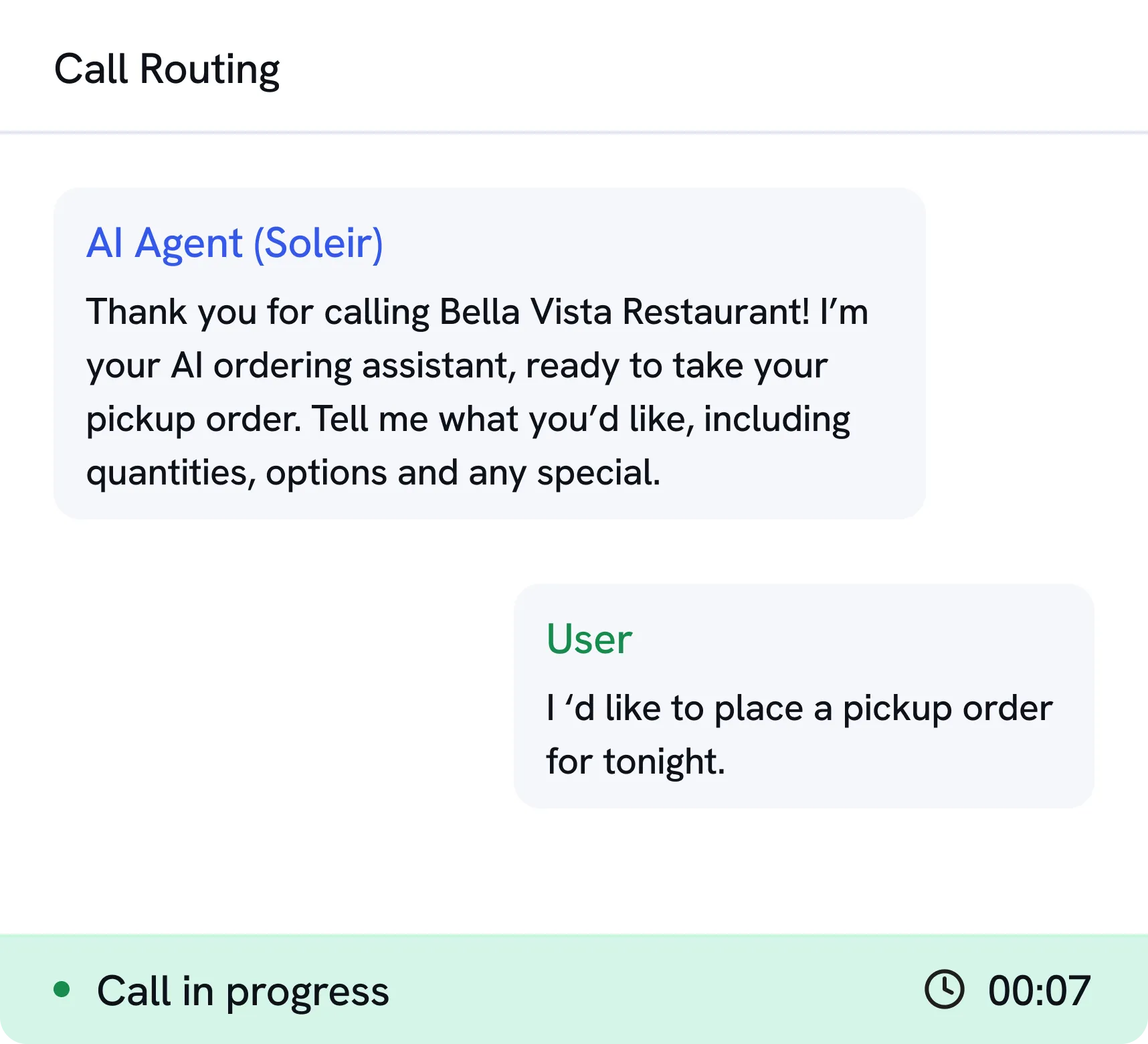
Screenshot of a call routing interface showing an AI Agent named Soleir and a user conversation. The AI Agent thanks the caller for calling Bella Vista Restaurant and offers to take a pickup order with details including quantities and options. The user replies that they would like to place a pickup order for tonight. The bottom shows call status as 'Call in progress' with a timer at 00:07.bg
Smart Ordering

Phone Ordering Made Surprisingly Easy

Let customers place complete pickup orders through natural voice conversations without waiting for restaurant staff to answer.

Black check mark symbol on a white square background.
Menu Item Recognition
Black check mark symbol on a white square background.
Modifiers & Special Requests
Black check mark symbol on a white square background.
Pickup Order Confirmation
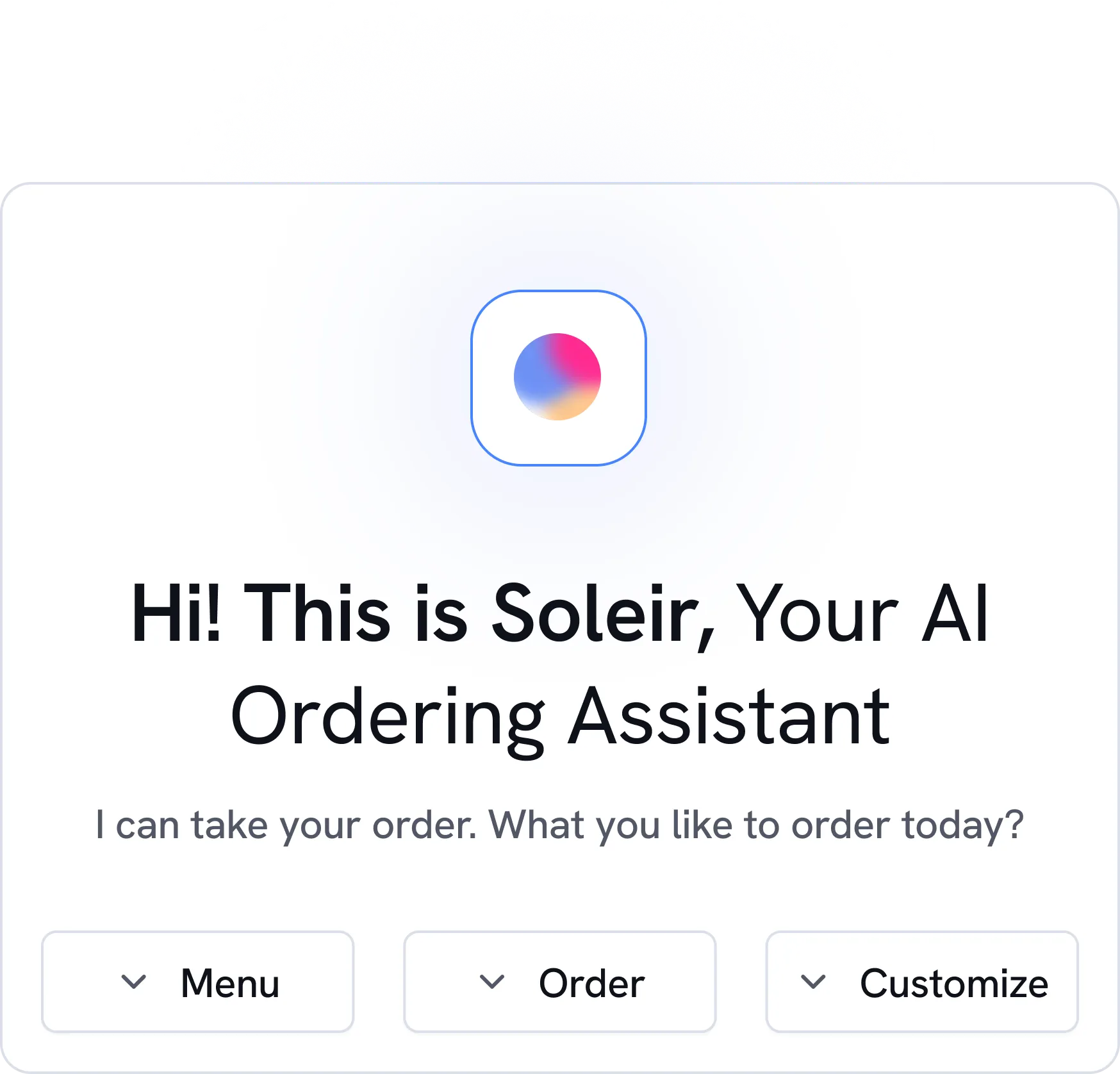
User interface of Soleir, an AI ordering assistant, greeting the user and asking for order preferences with buttons for Menu, Order, and Customize.bg
Customer Management

Make Repeat Phone Orders Even Faster

Recognizes returning callers by their number and skips the questions they've already answered. Their usual order in one sentence is coming soon.

Black check mark symbol on a white square background.
Returning Caller Recognition
Black check mark symbol on a white square background.
Address Already Known
Black check mark symbol on a white square background.
Usual Order
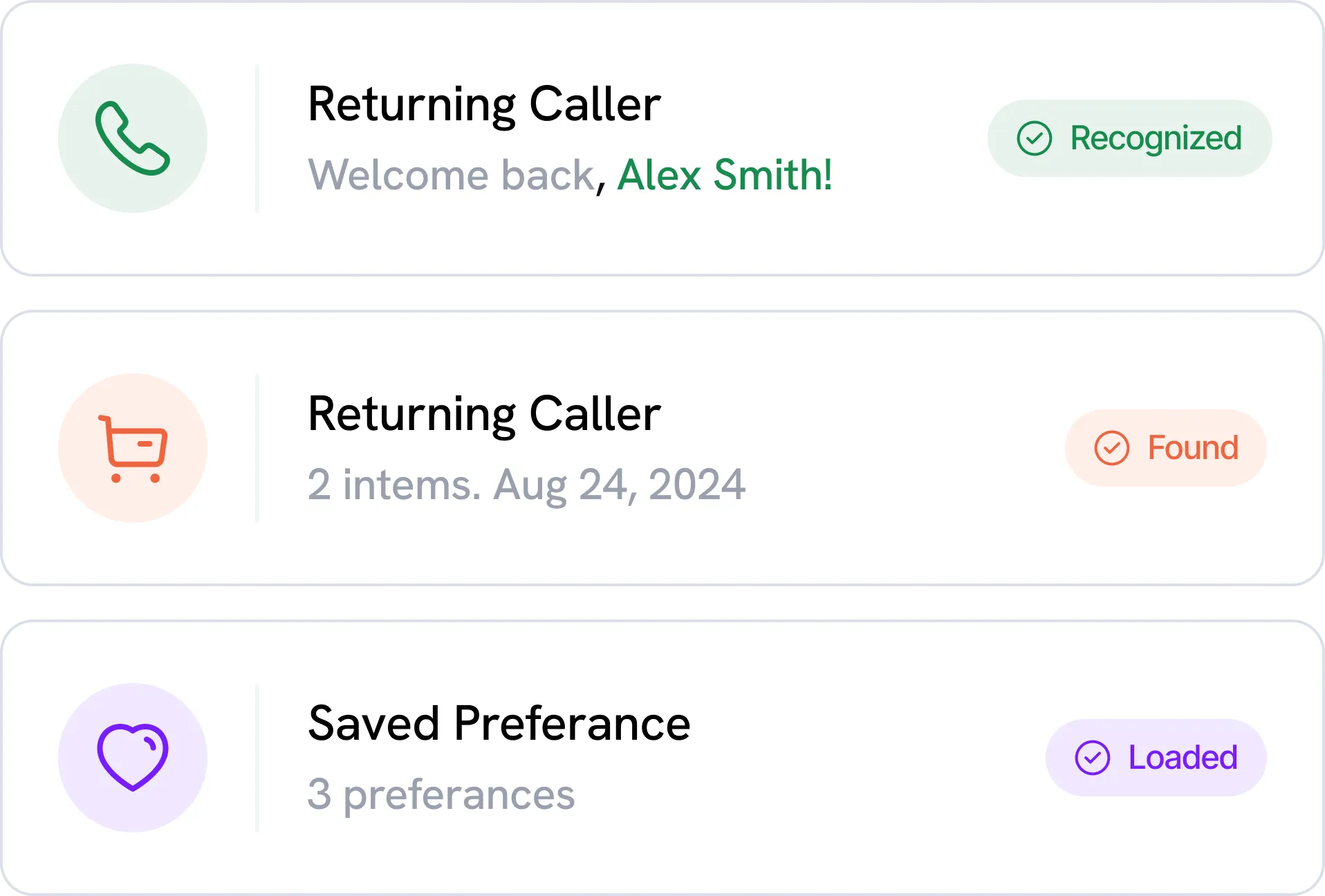
Three user interface cards showing caller and preference information: First card with a green phone icon reads 'Returning Caller, Welcome back, Alex Smith!' and a green badge labeled 'Recognized'. Second card with an orange shopping cart icon reads 'Returning Caller, 2 items. Aug 24, 2024' and an orange badge labeled 'Found'. Third card with a purple heart icon reads 'Saved Preferance, 3 preferances' and a purple badge labeled 'Loaded'.bg
Your Data

Your customers' data stays yours

Simplified purple flower icon with five rounded petals on a black background.Simple gray corner bracket with circles on each end on a black background.
White line connecting two white circles on a black background.Blue abstract geometric shapes resembling a triangle and rectangle on a black rounded square background.White corner bracket with rounded edges on a black background.
Minimalist graphic of two diagonal gray corner lines connected by a vertical line with white circles at ends.Blue abstract symmetrical shape resembling two mirrored arrows pointing inward on a black background.

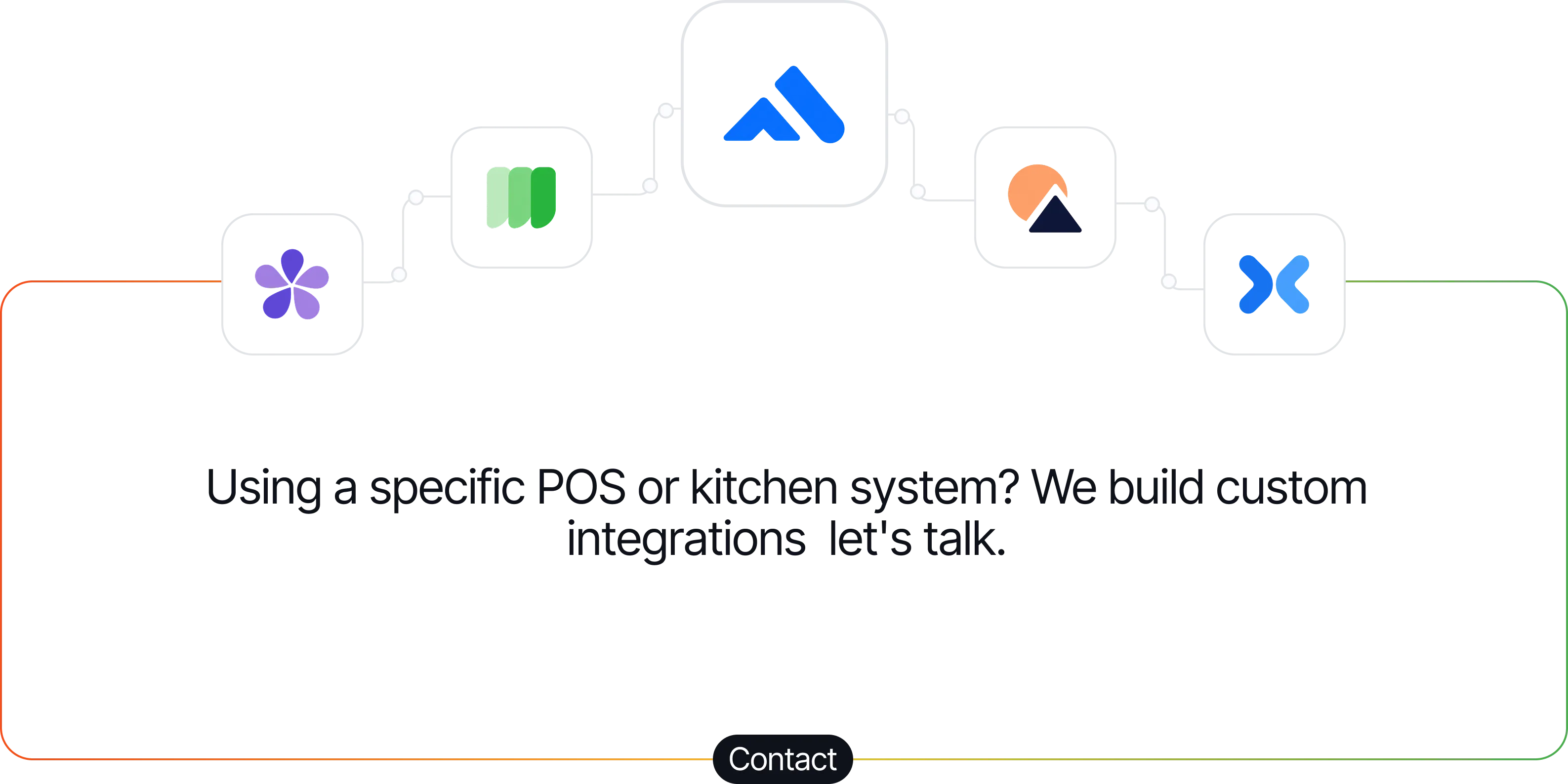
Using a specific POS? POS integrations are coming: tell us which one you use.

Contact
Orange outline of a rounded rectangle on a black background.
Five connected icons representing different POS or kitchen systems above the text: 'Using a specific POS or kitchen system? We build custom integrations, let's talk.' with a Contact button below.

Using a specific POS? POS integrations are coming: tell us which one you use.
Pricing

Simple plans for every restaurant.

Kitchen Printer Included
Essential

€120

Perfect for small restaurants
Black checkmark icon on a transparent background.
Answer Every Restaurant Call
Black checkmark icon on a transparent background.
Takeaway Orders by Phone
Black checkmark icon on a transparent background.
Options, Sauces and Extras
Black checkmark icon on a transparent background.
Print Tickets In Kitchen
Black checkmark icon on a transparent background.
SMS and Email Order Alerts
Black checkmark icon on a transparent background.
Live Ticket Safety Net
Kitchen Printer Included
Tailored

Custom

Several restaurants, a chain, or another trade
Black checkmark icon on a transparent background.
Everything in Pro, plus:
Black checkmark icon on a transparent background.
Minutes Sized to Your Volume
Black checkmark icon on a transparent background.
One Agent per Restaurant
Black checkmark icon on a transparent background.
Rollout Restaurant by Restaurant
Black checkmark icon on a transparent background.
Another Trade? We Build Your Agent
Black checkmark icon on a transparent background.
Your Menu, Your Rules, Your Voice
Black checkmark icon on a transparent background.
Live Ticket safety net
Black checkmark icon on a transparent background.
POS Integration
Black checkmark icon on a transparent background.
Reports Across Your Locations
Black checkmark icon on a transparent background.
A Dedicated Contact
Kitchen Printer Included
Essential

€100

Perfect for small restaurants
Black checkmark icon on a transparent background.
Answer Every Restaurant Call
Black checkmark icon on a transparent background.
Takeaway Orders by Phone
Black checkmark icon on a transparent background.
Options, Sauces and Extras
Black checkmark icon on a transparent background.
Print Tickets In Kitchen
Black checkmark icon on a transparent background.
SMS and Email Order Alerts
Black checkmark icon on a transparent background.
Live Ticket Safety Net
Kitchen Printer Included
Tailored

Custom

Several restaurants, a chain, or another trade
Black checkmark icon on a transparent background.
Everything in Pro, plus:
Black checkmark icon on a transparent background.
Minutes Sized to Your Volume
Black checkmark icon on a transparent background.
One Agent per Restaurant
Black checkmark icon on a transparent background.
Rollout Restaurant by Restaurant
Black checkmark icon on a transparent background.
Another Trade? We Build Your Agent
Black checkmark icon on a transparent background.
Your Menu, Your Rules, Your Voice
Black checkmark icon on a transparent background.
Live Ticket safety net
Black checkmark icon on a transparent background.
POS Integration
Black checkmark icon on a transparent background.
Reports Across Your Locations
Black checkmark icon on a transparent background.
A Dedicated Contact
Gradual rollout

From the Founder

“A call missed during the rush is an order lost. We built Soleir so your phone is always answered, and you can stay in the kitchen.”


Soleir
Kevin
Founder of Soleir
FAQ

Common Questions

How does Soleir’s AI voice agent work?

Soleir uses natural language AI to answer incoming calls and have real conversations with your customers, just like a trained staff member. It understands context, asks clarifying questions when needed, and completes the task before handing off a clean summary to your team.

Can Soleir take orders over the phone?

Yes. Soleir takes full food orders over the phone, confirming items, quantities and any special requests while the customer speaks naturally. Once the order is complete, it goes straight to your kitchen: a printed ticket, plus an SMS and email alert.

Can Soleir handle table reservations?

Soon. Table reservations are on the way: date, time, party size and special requests, taken over the phone just like an order. Restaurants already using Soleir will get it first.

Can Soleir send orders directly to my kitchen?

Yes. Once an order is confirmed, Soleir sends it straight to your kitchen: the ticket prints on the printer we provide, and you also get it by SMS and email. No one has to relay the order by hand, which cuts errors and delays.

What is the Live Ticket feature?

Live Ticket is Soleir's safety net. If the agent isn't completely sure it got an order right, it texts the customer a pre-filled order to check and confirm. Once confirmed, the order goes through to the restaurant.

Can Soleir answer calls 24/7?

Yes. Soleir never takes a break: it answers around the clock, including nights, weekends and holidays.

Can Soleir handle multiple restaurant calls?

Yes. Soleir answers several calls at the same time, so your customers aren't left waiting during the rush. Each call is handled on its own, from hello to ticket.

Never Miss Another Restaurant Call

Stay updated with the latest Soleir features restaurant AI insights to your inbox.

Thank you! Your submission has been received!
Oops! Something went wrong while submitting the form.
bg
bg