Smarter Restaurant Delivery Starts with AI

Transform Restaurant
 Delivery with AI

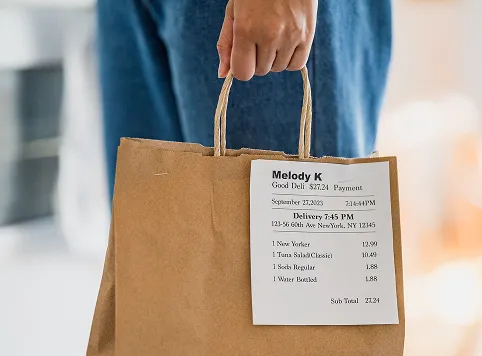
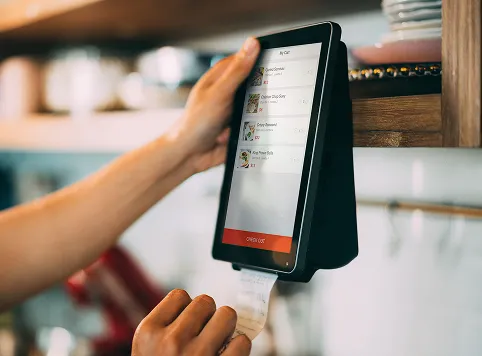
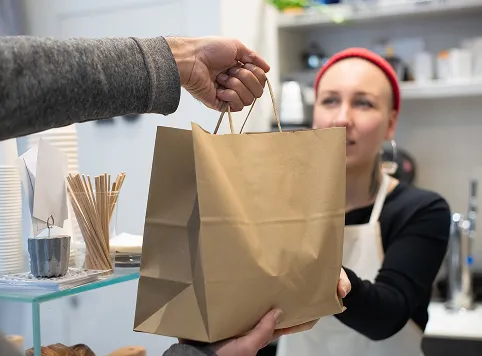
Woman with short hair and glasses talks on phone while writing at a desk with white shelves behind her.A woman standing in a doorway holding several packages and smiling, while a man wearing a beige cap and shirt uses his phone nearby in a hallway with white walls and tiled floor.Person holding a brown paper delivery bag with a printed receipt showing delivery details, items ordered, and total cost.Hands interacting with a touchscreen device mounted on a wall, showing a food ordering app with menu items and an 'Order Out' button, while printing a receipt.A person hands a brown paper bag to a woman wearing a red beanie and white apron in a cafe or shop setting.Smiling young woman wearing glasses and a white shirt talking on a smartphone while writing in a notebook at a desk near a window.
Delivery Workflow

AI Managing Every Restaurant Delivery

01

Delivery Order Intake

Receive customer calls, capture their complete order, delivery address, and contact details accurately through natural voice conversations.

02

Address & Zone Check

Verify delivery addresses, confirm service zones, and provide customers with accurate delivery availability before completing their order.

03

Order Confirmation

Confirm ordered items, quantities, customer details, and delivery instructions before sending the completed order directly to the restaurant.

04

Delivery Dispatch

Send confirmed orders for delivery, coordinate dispatch details, and keep customers informed with real-time status and on-the-way notifications.

05

Delivery Status Updates

Keep customers updated throughout delivery with clear order progress, estimated arrival information, and automated notifications.

Delivery Dispatch

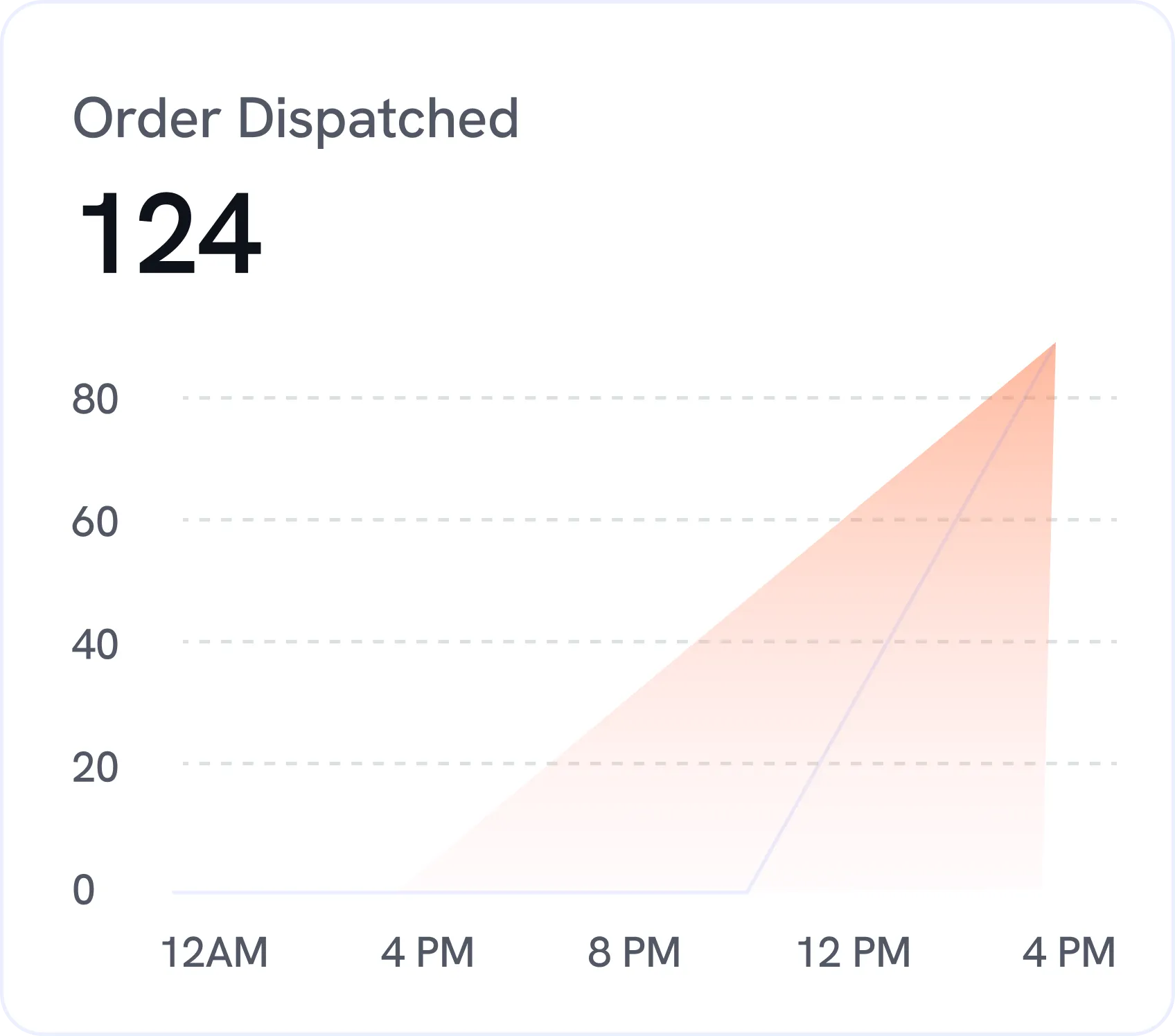
Dispatch Every Order with Intelligent AI

Automatically coordinate delivery orders, verify customer addresses, assign delivery zones, and keep every order moving smoothly from restaurant to doorstep.

Black check mark symbol on a white square background.
Smart Delivery Assignment
Black check mark symbol on a white square background.
Delivery Zone Matching
Black check mark symbol on a white square background.
Real-Time Order Routing
Chart titled 'Order Dispatched' showing a total of 124 orders, with a shaded area graph rising sharply between 12 PM and 4 PM from 0 to above 80.bg
Delivery Coordination

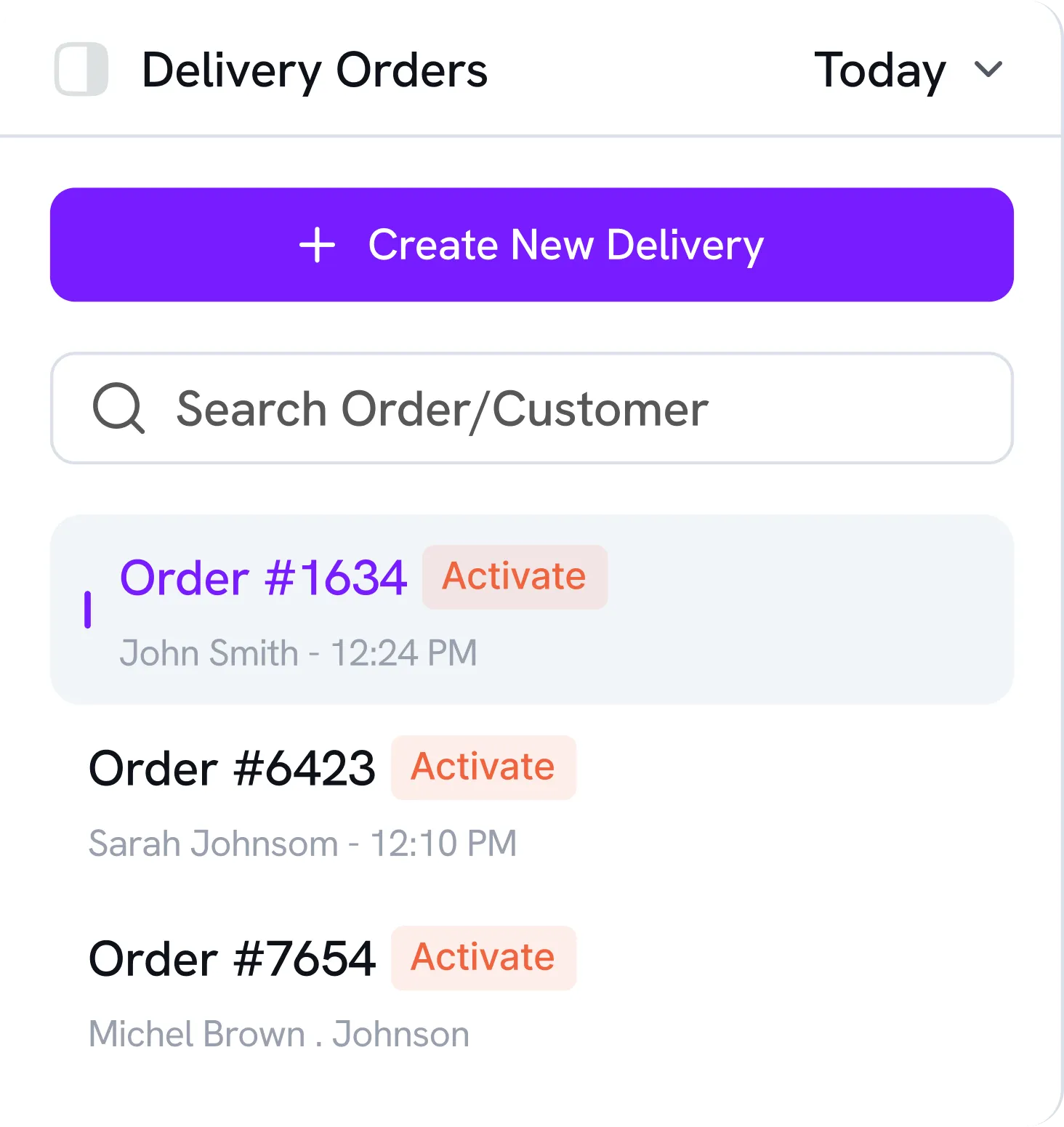
Coordinate Restaurant Deliveries Quickly

Capture delivery details, confirm customer addresses, and coordinate each order through natural AI conversations with involvement.

Black check mark symbol on a white square background.
Instant Address Capture
Black check mark symbol on a white square background.
Automated Delivery Confirmation
Black check mark symbol on a white square background.
Delivery Zone Verification
Delivery orders interface showing a toggle for Delivery Orders, a dropdown for Today, a purple button labeled Create New Delivery, and a search bar for orders or customers. Below are three orders: Order #1634 for John Smith at 12:24 PM with an Activate button, Order #6423 for Sarah Johnsom at 12:10 PM with an Activate button, and Order #7654 for Michel Brown . Johnson with an Activate button.bg
Delivery Updates

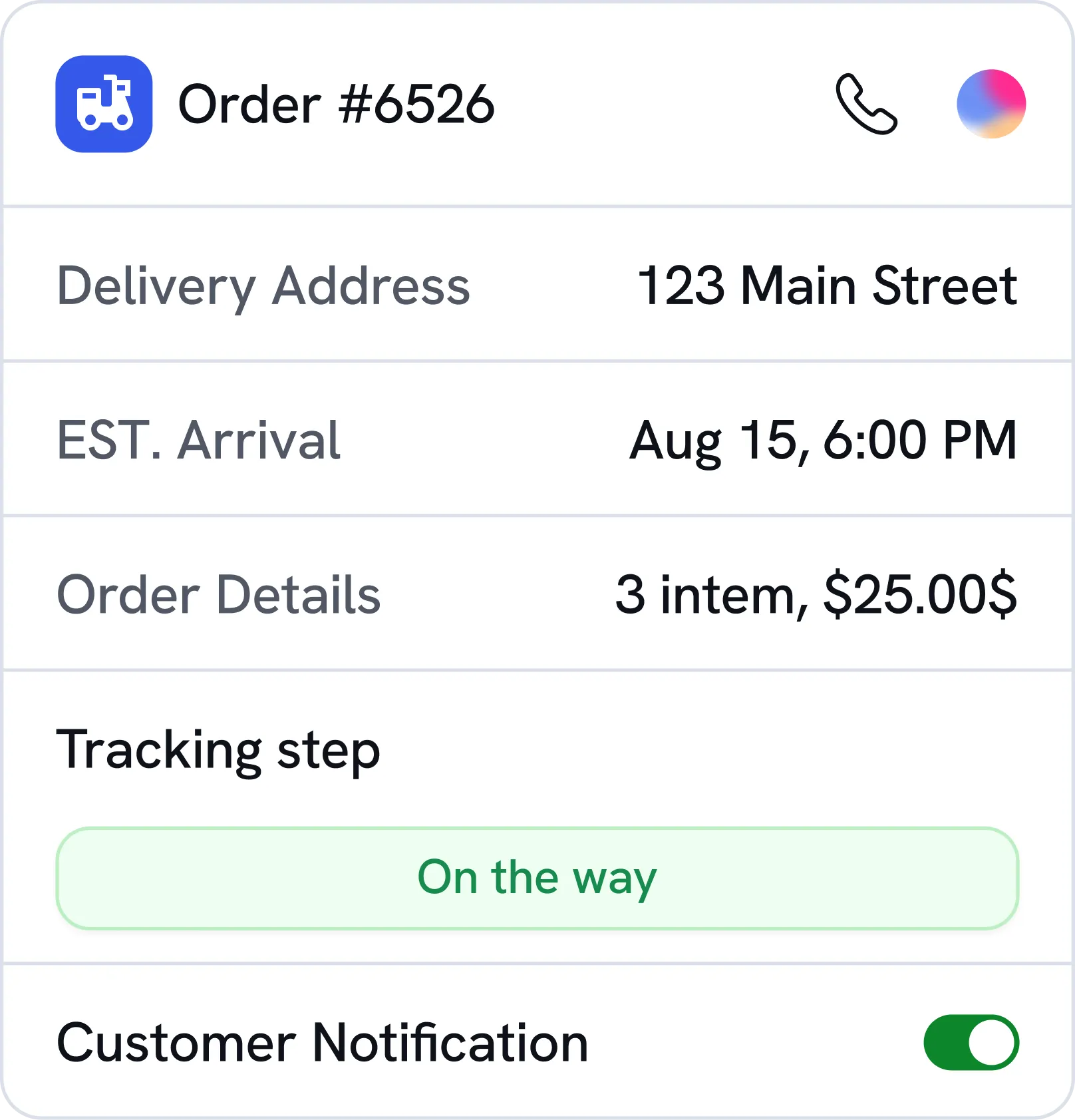
Keep Customers Informed Every Step

Send real-time order updates, delivery notifications, and arrival information to create a smooth and reliable customer experience.

Black check mark symbol on a white square background.
Order Status Notifications
Black check mark symbol on a white square background.
On-the-Way Updates
Black check mark symbol on a white square background.
Delivery Confirmation Messages
Order tracking interface showing order number 6526 with delivery address 123 Main Street, estimated arrival on August 15 at 6:00 PM, order details of 3 items totaling $25.00, tracking step marked as 'On the way,' and customer notification toggle switched on.bg
Compliance & Security

Enterprise security for every ai conversation

Simple gray corner bracket with circles on each end on a black background.
White line connecting two white circles on a black background.Blue abstract geometric shapes resembling a triangle and rectangle on a black rounded square background.White corner bracket with rounded edges on a black background.
Minimalist graphic of two diagonal gray corner lines connected by a vertical line with white circles at ends.

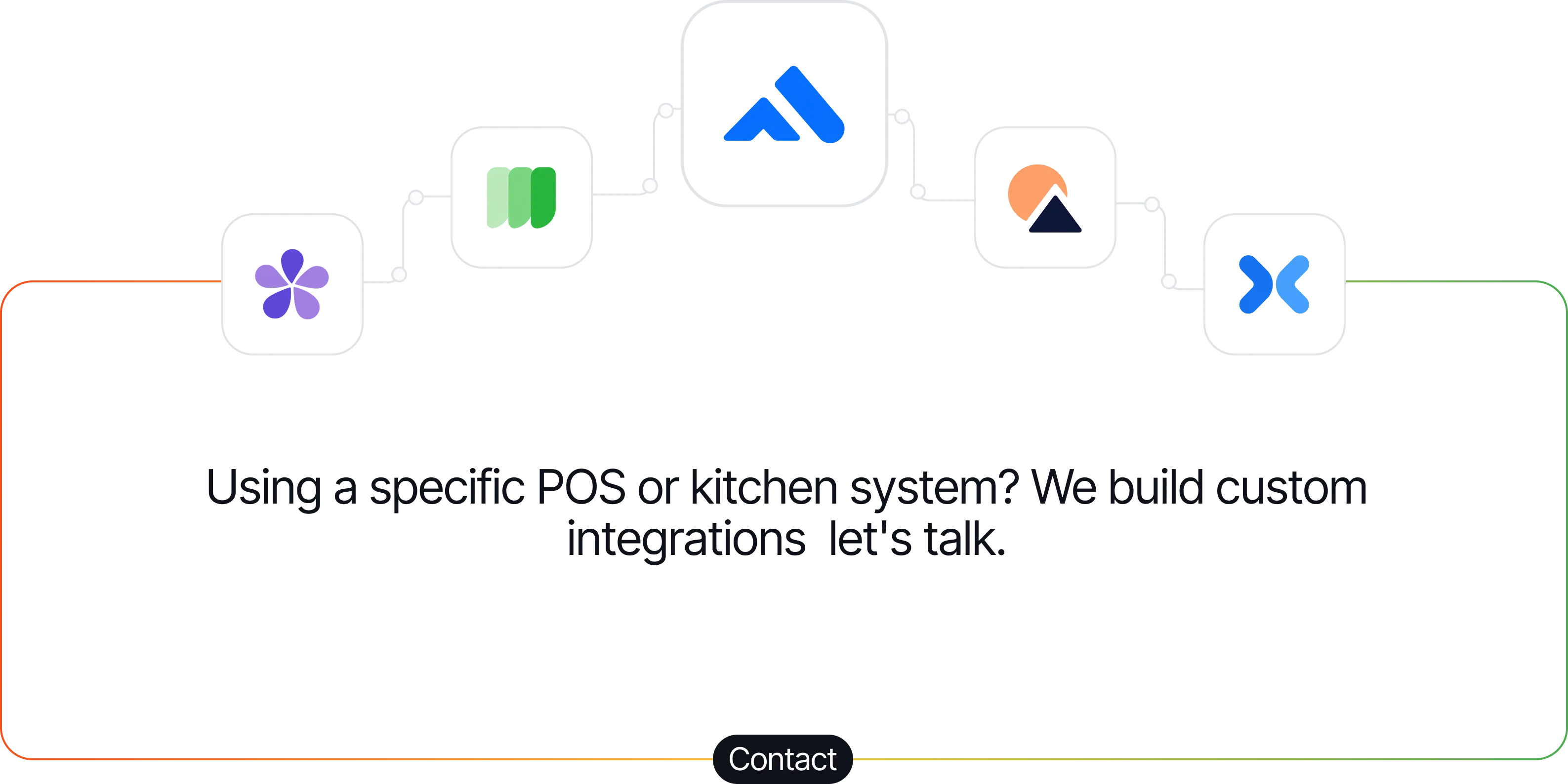
Using a specific POS or kitchen system? We build custom integrations  let's talk.

Contact
Orange outline of a rounded rectangle on a black background.
Flowchart of interconnected icons representing various POS and kitchen systems with the text: Using a specific POS or kitchen system? We build custom integrations—let's talk.
Pricing

Simple plans for every restaurant.

Kitchen Printer Included
Essential

€120

Perfect for small restaurants
Black checkmark icon on a transparent background.
Answer Every Restaurant Call
Black checkmark icon on a transparent background.
Take Orders Over Phone
Black checkmark icon on a transparent background.
Handle Basic Reservations Easily
Black checkmark icon on a transparent background.
Print Tickets In Kitchen
Black checkmark icon on a transparent background.
Track Orders Through SMS
Black checkmark icon on a transparent background.
Get Reliable Email Support
Kitchen Printer Included
Enterprise

Custom

Built for busy, multi-location restaurants
Black checkmark icon on a transparent background.
Everything in Commande
Black checkmark icon on a transparent background.
Unlimited AI call minutes
Black checkmark icon on a transparent background.
Unlimited AI call handling
Black checkmark icon on a transparent background.
Multiple restaurant locations
Black checkmark icon on a transparent background.
Advanced order automation
Black checkmark icon on a transparent background.
Smart upselling & recommendations
Black checkmark icon on a transparent background.
Live Ticket safety net
Black checkmark icon on a transparent background.
Custom POS integrations
Black checkmark icon on a transparent background.
Advanced call analytics
Black checkmark icon on a transparent background.
Dedicated account support
Kitchen Printer Included
Essential

€100

Perfect for small restaurants
Black checkmark icon on a transparent background.
Answer Every Restaurant Call
Black checkmark icon on a transparent background.
Take Orders Over Phone
Black checkmark icon on a transparent background.
Handle Basic Reservations Easily
Black checkmark icon on a transparent background.
Print Tickets In Kitchen
Black checkmark icon on a transparent background.
Track Orders Through SMS
Black checkmark icon on a transparent background.
Get Reliable Email Support
Kitchen Printer Included
Enterprise

Custom

Built for busy, multi-location restaurants
Black checkmark icon on a transparent background.
Everything in Commande
Black checkmark icon on a transparent background.
Unlimited AI call minutes
Black checkmark icon on a transparent background.
Unlimited AI call handling
Black checkmark icon on a transparent background.
Multiple restaurant locations
Black checkmark icon on a transparent background.
Advanced order automation
Black checkmark icon on a transparent background.
Smart upselling & recommendations
Black checkmark icon on a transparent background.
Live Ticket safety net
Black checkmark icon on a transparent background.
Custom POS integrations
Black checkmark icon on a transparent background.
Advanced call analytics
Black checkmark icon on a transparent background.
Dedicated account support

From the Founder

“A call missed during the rush is an order lost. We built Soleir so your phone is always answered, and you can stay in the kitchen.”


Soleir
Kevin
Founder of Soleir
FAQ

Common Questions

How does Soleir’s AI voice agent work?

Soleir uses natural language AI to answer incoming calls and have real conversations with your customers, just like a trained staff member. It understands context, asks clarifying questions when needed, and completes the task before handing off a clean summary to your team.

Can Soleir take orders over the phone?

Yes. Soleir can take full food orders over the phone, confirming items, quantities, and any special requests as the customer speaks naturally. Once the order is complete, it's sent straight to your system without any manual entry.

Can Soleir handle table reservations?

Yes. Soleir can handle reservation requests naturally over the phone, just like a member of your restaurant team. It can understand the customer's preferred date, time, party size and other relevant details.

Can Soleir send orders directly to my kitchen?

Yes. Once an order is confirmed, Soleir sends it directly to your kitchen display or printer system in real time. This removes the extra step of a staff member relaying the order manually, cutting down on errors and delays.

What is the Live Ticket feature?

Live Ticket is Soleir's safety net. If the agent isn't completely sure it got an order right, it texts the customer a pre-filled order to check and confirm. Once confirmed, the order goes through to the restaurant.

Can Soleir answer calls 24/7?

Yes. Soleir never takes a break, so it answers every call around the clock, including nights, weekends, and holidays. That means no missed orders or reservations, even when your restaurant is closed.

Can Soleir handle multiple restaurant calls?

Yes. Soleir can answer multiple calls at the same time, so no customer ever hears a busy signal during your busiest hours. Each call is handled independently and accurately, no matter how many come in at once.

Never Miss Another Restaurant Call

Stay updated with the latest Soleir features restaurant AI insights to your inbox.

Thank you! Your submission has been received!
Oops! Something went wrong while submitting the form.
bg
bg